On your phone
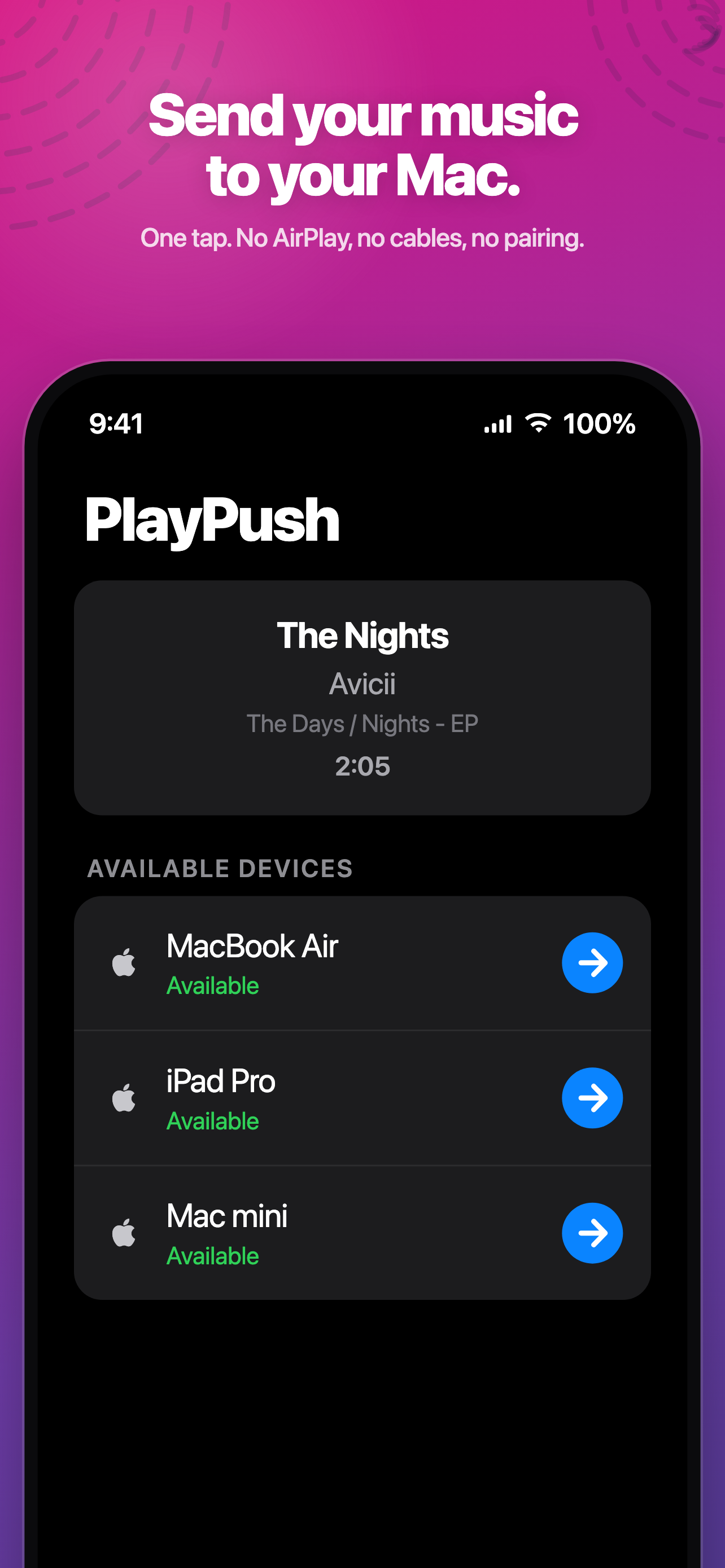
Your devices, in a list.
Tap one.
No setup screen, no pairing code, no account to create. Open PlayPush on two devices signed in to the same iCloud and they find each other.
For everyone who owns more than one Apple device
You're deep in a track on your iPhone. You sit down at your Mac. One tap and it's playing there — same song, same second. No AirPlay, no cables, no pairing.
iPhone, iPad & Mac · Requires Apple Music · Free PlayPush trial included
The handoff carries the song and the exact playback position — so the Mac starts at 2:05, not 0:00.
Four moves, about a second
Every device runs the same small loop: announce itself, watch for the others, and listen for an incoming song.
Each device writes a heartbeat to your private iCloud every few seconds, so the others know it's awake.
Tap a device and PlayPush captures what's playing — the song, the artist, and the exact second you're at.
That snapshot travels through your own iCloud account. A silent push wakes the receiving device immediately.
The other device finds the track in Apple Music, starts it, and seeks to the same second. Yours pauses.
On your phone
No setup screen, no pairing code, no account to create. Open PlayPush on two devices signed in to the same iCloud and they find each other.
Your music never touches a server of mine.
It moves through your iCloud, and nowhere else.
No account to create, and no server of mine in the middle.
The small things
Resumes at the second you left off — not the top of the track.
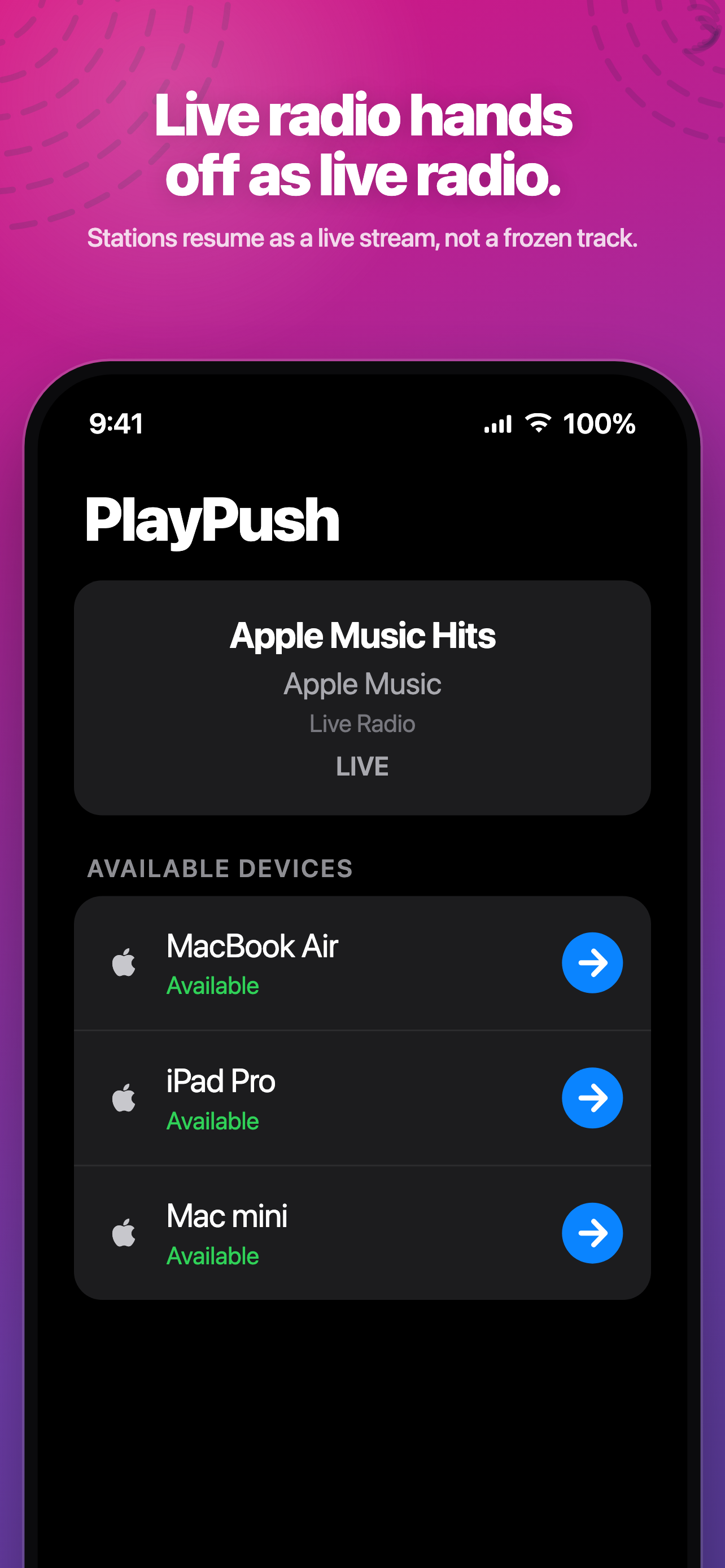
A live station hands off as a live station, not a frozen snapshot of one song.
A silent push reaches the other device even when PlayPush is closed there.
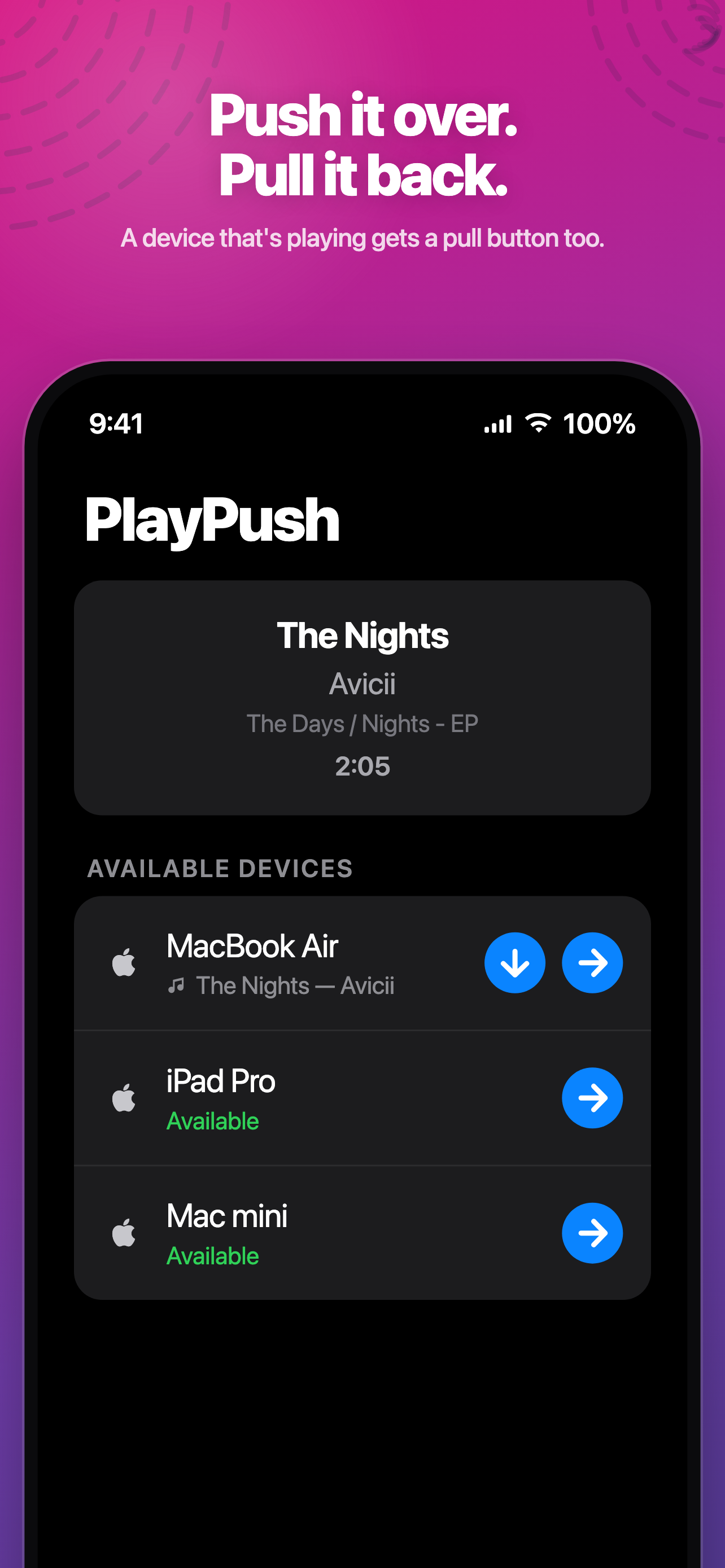
Send the music away, or reach out and pull it back to the device in your hand.
Devices discover each other over iCloud. There is nothing to configure.
Under 6 MB, and on the Mac it lives quietly in your menu bar.
One app, every screen
The daily driver. Sends and receives, in the foreground or with the app closed, and reads live playback straight from Apple Music.
Lives in the menu bar and drives the Music app directly, so a track handed over from your phone just starts playing.
Appears alongside your other devices, so you can move a song in or out without reaching for your phone.
Simple and fair
Start with a free trial and move as much music as you like. When it ends, you get a run of free passes before anything is due.
Questions
AirPlay streams the audio from one device to a speaker — the original device keeps doing the work, and if it walks out of range the music stops. PlayPush hands the song over. The second device plays it itself, from its own Apple Music, and the first one stops. You can put your phone in your pocket and leave.
Yes. PlayPush moves your Apple Music playback between devices; it doesn't stream or store music itself.
Yes. A silent iCloud push wakes the receiving device. A background refresh runs as a safety net in case the system throttles that push.
Handled. If you're on an Apple Music station, the handoff carries the station rather than a single track, so the other device rejoins the live stream.
Into your own private iCloud database and nowhere else. There's no PlayPush account and no server of mine in the middle. Presence records expire in seconds and handoffs are deleted the moment they're consumed.
One small step. macOS asks you to add a helper Shortcut called PlayPushReceiver, which lets the Mac start streaming tracks. You approve it once and never think about it again.
It takes one tap, and it's already free to try.